Windows 7 Sins

Archive for the ‘pardus’ Category

Pardus 2009.1 review

February 1st, 2010 • Category: pardus, reviews

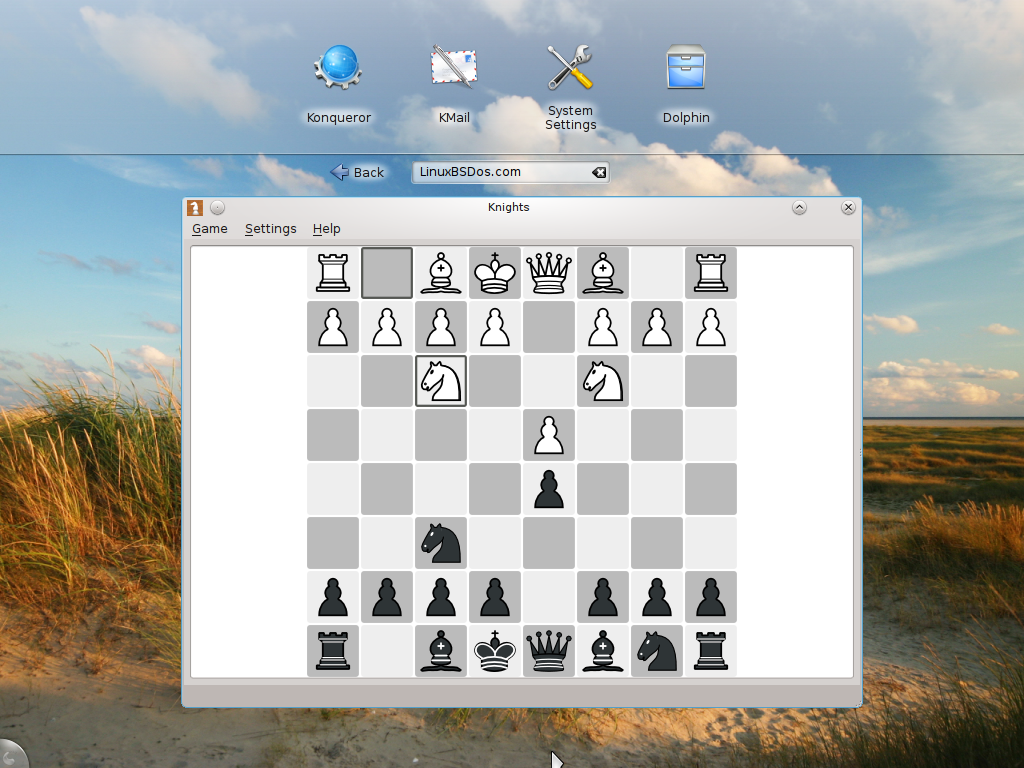
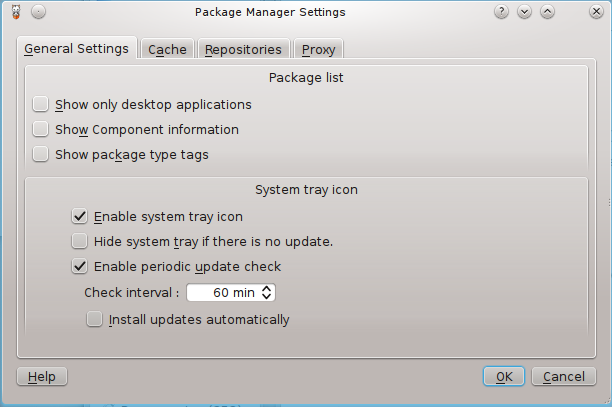
Pardus is a Linux, desktop-oriented operating system developed by Onur Küçük and his team from Turkey. At a time when nearly every new Linux distro is based on or derived from Ubuntu, Pardus is a rarity. It is an original, not based on or derived from any other distro. As such, its package manager and graphical management tools are custom-developed. This article is a review of Pardus 2009.1, the latest stable release.

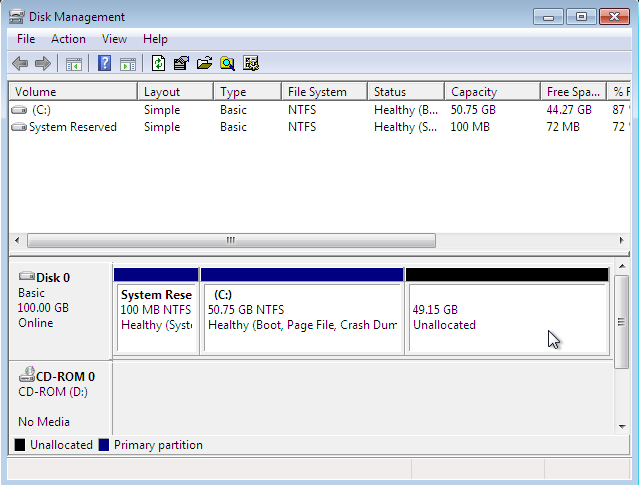
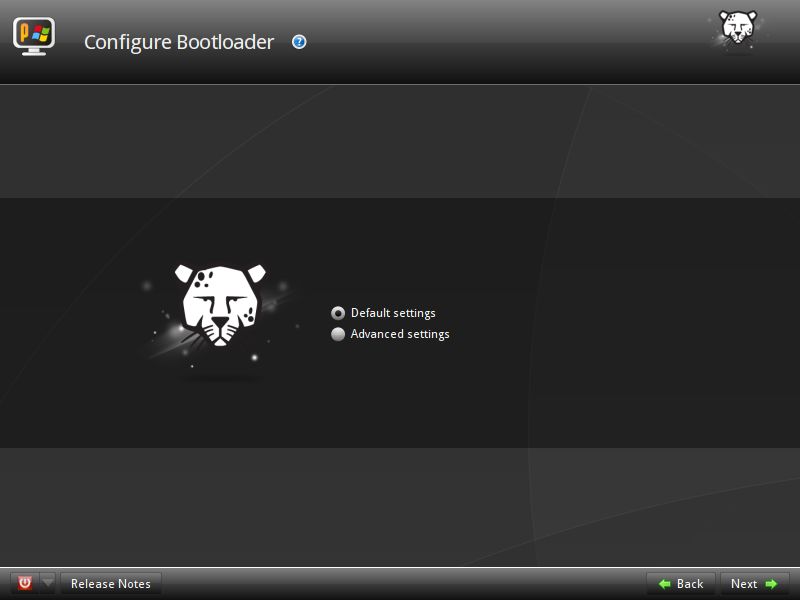
Installation YALI (Yet Another Linux Installer), is the graphical installation program for Pardus. It’s a very basic installation program, lacking support for setting up LVM, RAID, and disk encryption. Unlike other Linux operating systems, Pardus only allows for the creation of four partitions. Aside from the main system partition, you may also create a:

Configure the graphical firewall manager on Pardus 2009.1

January 29th, 2010 • Category: Tutorials/Tips, pardus

Pardus is a desktop-oriented, Linux distribution. The latest release is Pardus 2009.1, and just like Pardus 2009, it comes with IPTables/Netfilter, the firewall application built in to the Linux kernel, disabled. This is a short tutorial showing how to enable the firewall via the graphical firewall manager, and tweak the configuration options available.

It’s always better, whether there are open ports or not, to have IPTables/Netfilter running out of the box. However, distros like Pardus opt to have the firewall disabled. Don’t know why, but that’s just the way it is with some of these distros.

How to configure a network interface on Pardus 2009.1

January 29th, 2010 • Category: Tutorials/Tips, pardus

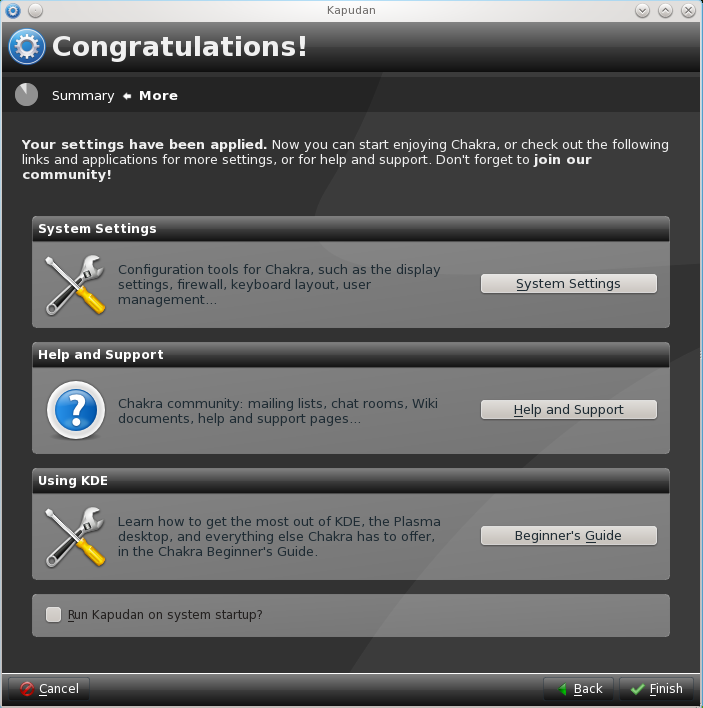
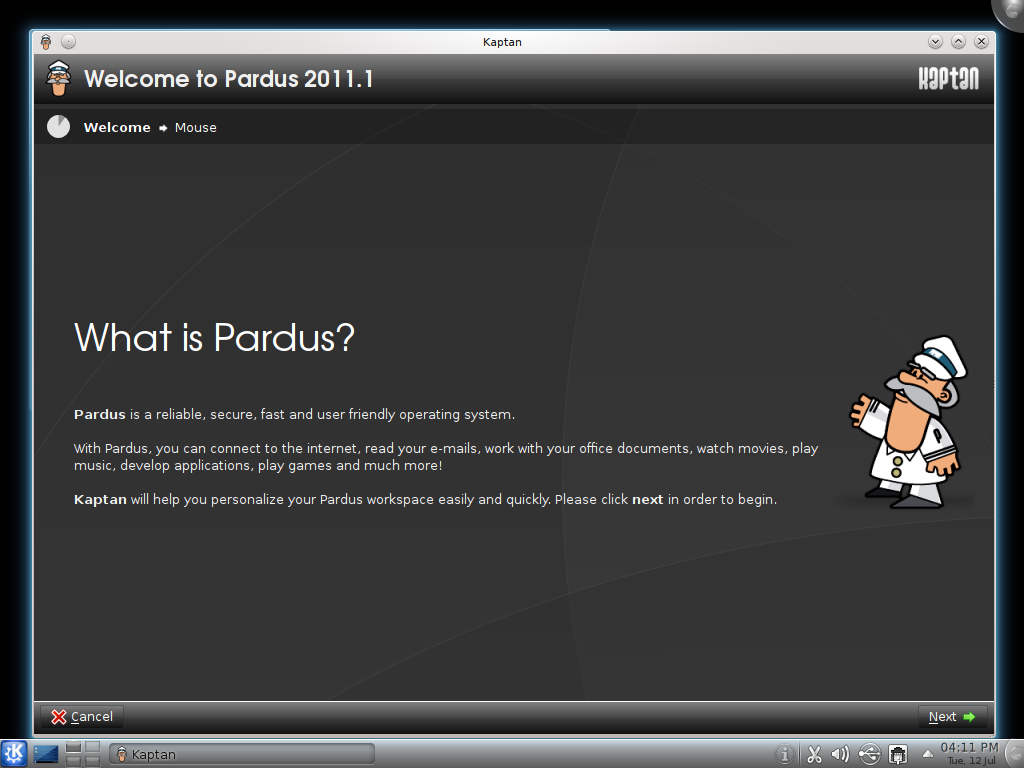
Pardus 2009.1 is the latest release of the desktop-oriented, Linux distribution from Onur Küçük and his crew in Turkey. It is one of those distros that does not automatically configure your Internet connection. You are expected to configure it from Kaptan, the Pardus system modifier, or from the network manager applet.. This tutorial gives a step by step guide of how to configure a wired network interface on an installation of Pardus 2009.1.

The steps would be just about the same if you were setting up a wireless connection profile. To begin, right-click on the network manager applet on the panel and select “Open Network Manager.”

Pardus 2009 firewall, NTP, and openSSH server configuration

August 13th, 2009 • Category: Tutorials/Tips, pardus

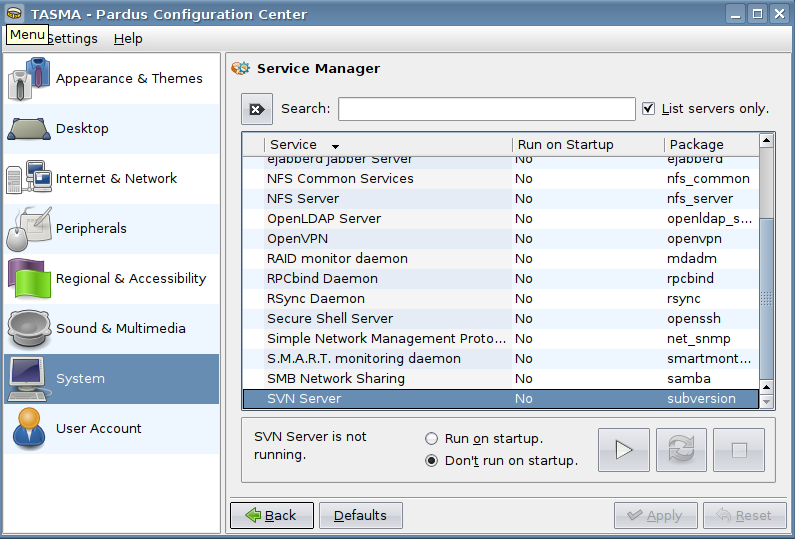
Pardus is a Linux, desktop-oriented distro that was just reviewed here. This post is to help you configure some very important aspects of the operating system that should have been enabled out of the box. Expert knowledge is not required to make these configuration changes, just the ability to point and click.

Pardus

August 3rd, 2009 • Category: Desktop & Server, pardus

Pardus is a Linux-based, desktop-oriented operating system. It is an original distro, that is, it is not based on any other. It uses the K Desktop Environment (KDE), and has custom-built graphical management utilities

Origin – Home Page: Turkey – Pardus

Pardus 2009 review

August 3rd, 2009 • Category: pardus, reviews

Pardus is a Linux, desktop-oriented operating system. The latest release, Pardus 2009, was made available for download a few weeks ago. This review, my first of any version of Pardus, also marks the first listing of Pardus on this site.

As with all reviews on this site, I’m coming at this from the view point of a regular computer user, that is, someone just looking for a good distro that works right out of the box. The following is my experience using Pardus 2009 for exactly one week, performing three installs in the process.

Come with me. Let’s see what Pardus 2009 has to offer.

University to Migrate from Windows to Pardus GNU/Linux

November 19th, 2008 • Category: linux news, pardus

We are in the process of reviewing Pardus GNU/Linux for listing on this site. Testing should be completed within a week, and a review posted shortly thereafter.

Copyright © • LinuxBSDos.com

Powered by Olark