Home
About
Advertise Here
Contact
Menu
Home
About
Advertise Here
Contact
Search
Search
Please enter CoinGecko Free Api Key to get this plugin works.
Debian
Deepin
Fedora
Kali Linux
Mint
Ubuntu
Reviews
Tutorials/Tips
Crypto
Artificial Intel
Menu
Debian
Deepin
Fedora
Kali Linux
Mint
Ubuntu
Reviews
Tutorials/Tips
Crypto
Artificial Intel
Partner links
Join a huge party for
NFT
frens at
NFT South
Reasons to use
control panel
for your server
DHgate Computers, Electronics, Cell Phones & more
Axo Finans
Fedora Linux
March 20, 2020
No Comments
Getting started with Flatpak
October 20, 2017
No Comments
Introduction to Kubernetes with Fedora
June 30, 2017
No Comments
How to install Ansible on your favorite Linux distribution
January 27, 2017
1 Comment
New test build and applications announced for Fedora LXQt Spin
January 20, 2017
No Comments
Installing GNOME Shell extensions using the Fedora package manager
January 6, 2017
No Comments
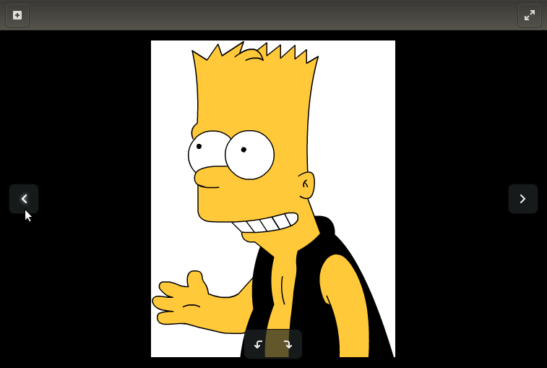
17 alternatives to your default image viewer on Fedora
January 2, 2017
No Comments
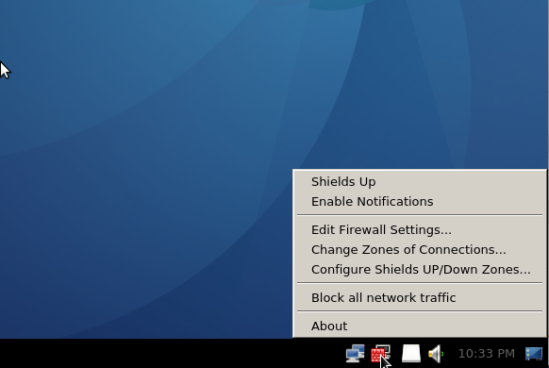
What’s missing in every installation of a Fedora 25 desktop?
December 26, 2016
No Comments
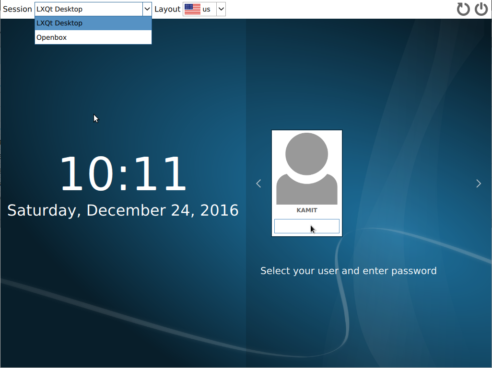
Fedora 26 will have an LXQt Spin. Here’s what it looks like now
December 26, 2016
No Comments
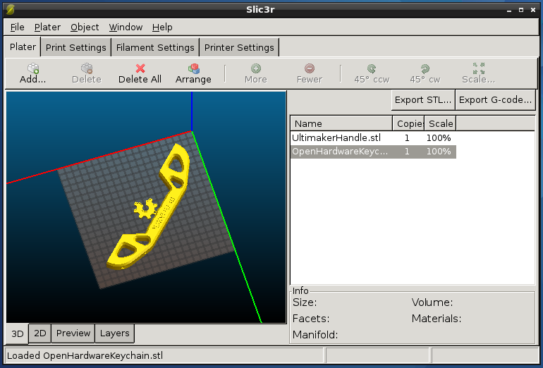
6 3D printing applications you can install on Fedora 25
December 8, 2016
1 Comment
How to install Docker and run Docker containers on Fedora 25
December 6, 2016
No Comments
Try Fedora 25 in the cloud for free with Dply
December 5, 2016
No Comments
Bitcoin on Fedora with Electrum
December 1, 2016
No Comments
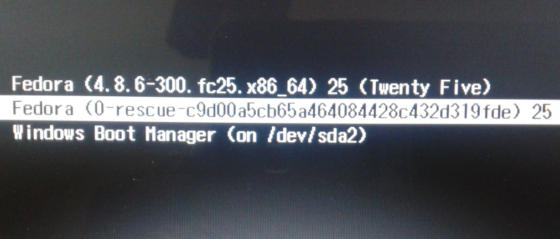
Dual-boot Fedora 25, Windows 10 on a computer with UEFI firmware
December 1, 2016
15 Comments
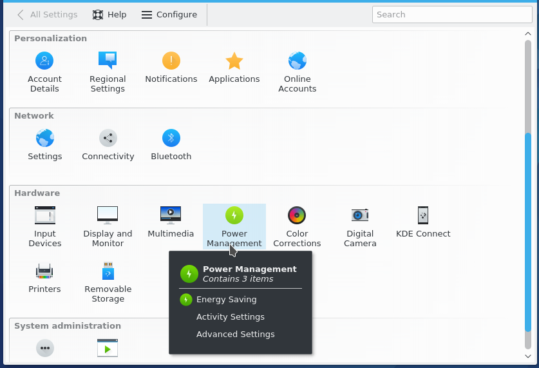
Fedora 25 KDE screenshots
December 1, 2016
No Comments
Fedora 25 Cinnamon screenshots
December 1, 2016
No Comments
« Previous
Next »