
 Fedora is an RPM-based Linux distribution. Development is sponsored by Red Hat, Inc. It is one of the so-called major distributions, and out of the box, does not have non-free application installed.
Fedora’s installer, Anaconda, is used by several other Linux distributions, and features many enterprise features that is not available on other distributions installation programs.
Origin – Home Page: USA – Fedora Linux
Features:
- Installation – Fedora’s graphical installation program is known as Anaconda. It is the most advanced installation program currently available on desktop Linux distributions. Full disk encryption, LVM, RAID, and remote installation on disks connected to mainframes, Storage Area Networks (SANs) are supported.
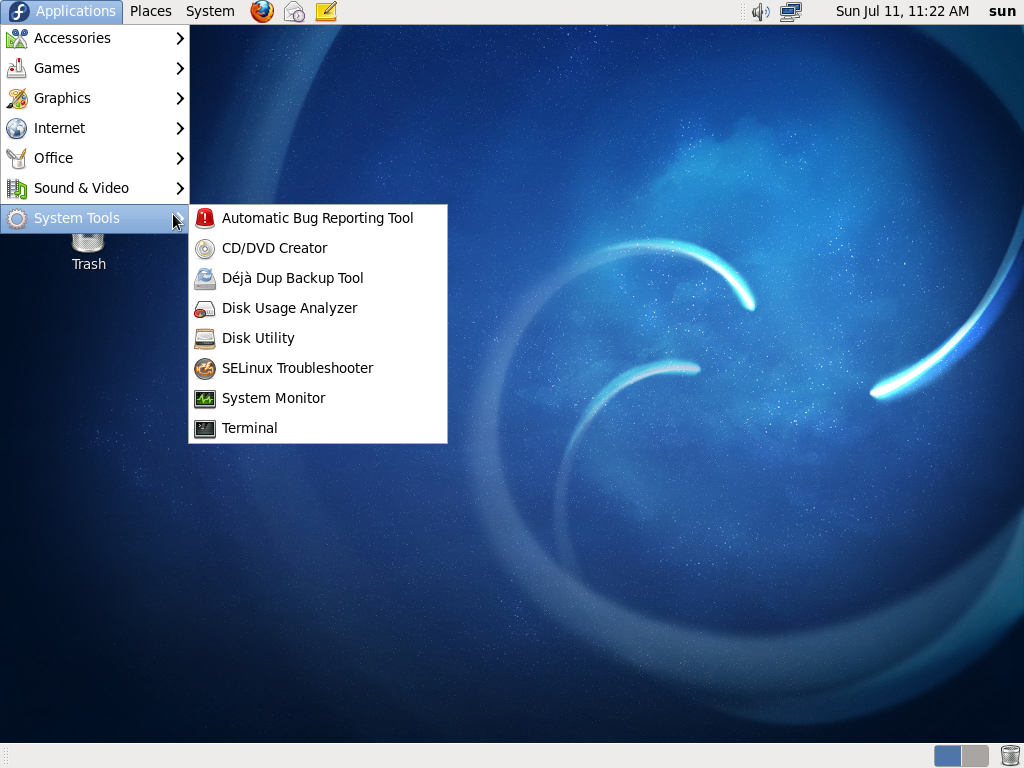
- Desktop Environments – GNOME is Fedora’s main desktop environment. KDE is the other desktop supported with a separate installation iso image.
- Software Management – Fedora is an RPM-based distribution, and like any other Linux distribution, you can manage applications on the system from the command line or by using the graphical application manager.
- Installed Applications – Fedora is a Free Linux distribution, which are a group of Linux distribution that do not ship with non-free software applications. So while a default installation of Fedora has most of the application that you’ll need to use, it lacks commercial applications and non-free multimedia codecs that, for example, are needed to play encrypted videos. Those may be installed by pointing the package manager to a third party repository.
- Admin Tools – Except for a few administrative tools, Fedora comes with the standard admin tools specific to the desktop environment in use. So if you are using GNOME, the admin tools are the same that are available on a stock GNOME desktop.
- Security Posture – Fedora comes with a graphical firewall admin tool which is more advanced than those available on most Linux distributions. Aside from the firewall, SELinux (Secirity Enhanced Linux), a security tool designed to provide and support access control policies, is installed and enabled out of the box. Because it is possible to configure full disk encryption and password-protect the boot loader, you can achieve the highest physical security rating on Fedora.
Reviews & Tutorials:
[catlist id=65 numberposts=10]
Read all Fedora reviews and tutorials here.
Download Fedora: Bootable iso images for 32-bit, 64-bit, and PowerPC architectures are available for download.
Buy Fedora Installation CD/DVD: The latest Fedora installation CDs and DVDs are available for purchase at very low prices on  .
.







? things must be improved on Fedora:
1, can choice GRUB2 POSITION when installing;
2, can set HostName when installing;
3, can choice multiple Desktop Environment when installing;
4, lower memory and CPU requirment;
5, popular liberary inclued for popular softwares, such as Virtualbox and gust additions, VMWare, teamviewer, etc.
I hope Fedora 20 will be most popular Linux distrobution!